
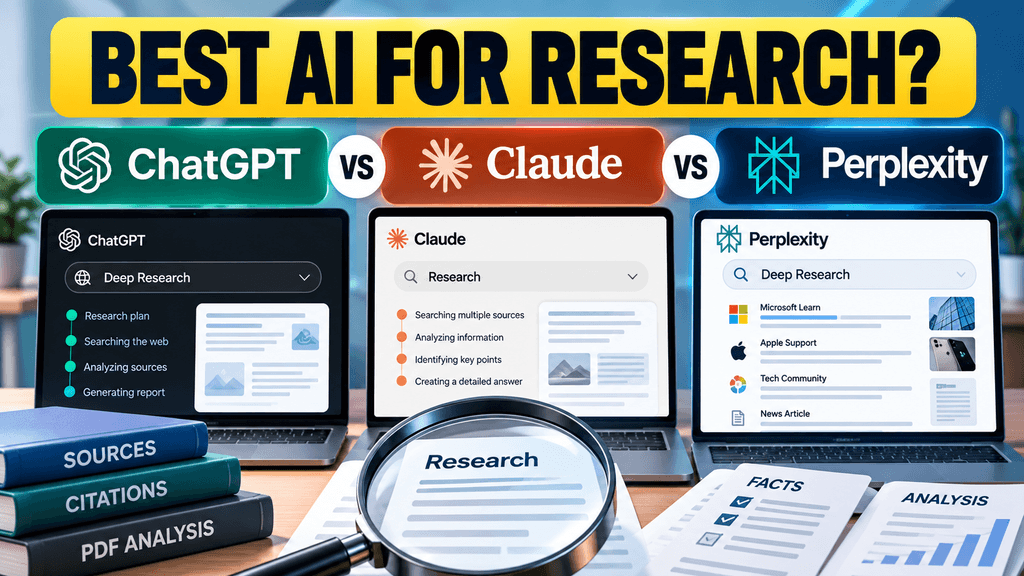
ChatGPT, Claude and Perplexity can all conduct web research with citations, but they are built around different workflows. ChatGPT is strongest when you need a controlled multi-step research project, Claude is particularly useful when research needs to turn into careful analysis or long-form work, while Perplexity remains heavily centered on search, source discovery and fast citation-rich answers.
There is no single best option for every research task.
The more useful question is:
What kind of research are you actually doing?
Quick comparison
| Research task | ChatGPT | Claude | Perplexity |
|---|---|---|---|
| Quick current fact checking | Very good | Very good | Excellent |
| Multi-step deep research | Excellent | Excellent | Excellent |
| Citation visibility | Strong | Strong | Very strong |
| Controlling source selection | Excellent | Good | Strong |
| Working with uploaded files | Excellent | Excellent | Strong |
| Long document analysis | Strong | Excellent | Good |
| Fast web exploration | Strong | Strong | Excellent |
| Creating structured reports | Excellent | Excellent | Excellent |
| Best for search-first workflow | Good | Good | Excellent |
These are workflow differences rather than laboratory benchmark results. TechJournalAI has not yet run a controlled three-way test, so the article should not present them as measured scores.
ChatGPT for research
ChatGPT currently offers both regular web search and Deep Research.
OpenAI says Deep Research can plan a research task, search the public web or specific websites, work with uploaded files and supported connected apps, and return a structured report with citations. You can also review the proposed research plan and restrict or prioritize particular websites.
That source control is one of ChatGPT’s strongest research features.
For example, if you are researching a Microsoft Intune problem, you can ask Deep Research to prioritize:
- Microsoft Learn
- Apple Support
- Microsoft Tech Community
- selected security publications
That is useful when you care more about source quality than simply finding as many pages as possible.
Where ChatGPT is strongest
ChatGPT fits research tasks where you want to move from:
question → research plan → evidence → analysis → finished report
OpenAI explicitly positions it for comparing sources, identifying contradictions, generating briefs and producing citation-backed reports.
It is therefore particularly useful for:
- Technical investigations
- Competitive analysis
- Product comparisons
- Policy research
- Combining web research with your own files
- Research that needs a final memo or article
ChatGPT’s main limitation
Deep Research is more involved than a normal search.
If you simply want to know:
“What is the latest Gemini upload limit?”
running a full research workflow may be unnecessary.
OpenAI itself recommends standard search for faster questions and Deep Research for more complex, multi-step work.
Claude for research
Claude also has a dedicated Research mode.
Anthropic says Claude Research works agentically: it performs multiple searches, follows new questions as they emerge, explores different angles and returns answers with citations. The feature currently requires web search and is available on paid individual plans including Pro and Max.
Claude’s normal web search also includes direct citations and links to the sources it uses.
Where Claude is strongest
Claude becomes particularly attractive when the research is only the first half of the task.
For example:
- Find and compare sources.
- Read several long reports.
- Identify contradictions.
- Develop an argument.
- Turn the research into a detailed article, report or document.
Claude has traditionally been well suited to working with large amounts of text, and its current product combines web research with files, connected tools and long-form creation.
That makes it a good fit for:
- Literature-style reviews
- Long PDF analysis
- Technical documents
- Policy documents
- Complex synthesis
- Research that becomes a written deliverable
Claude’s main limitation
Research mode is not part of the basic free experience in the same way ordinary Claude web search is.
Anthropic currently lists Research as a paid-plan beta feature.
That matters if your goal is simply to perform occasional research without paying for another subscription.
Perplexity for research
Perplexity is the most search-centric of the three.
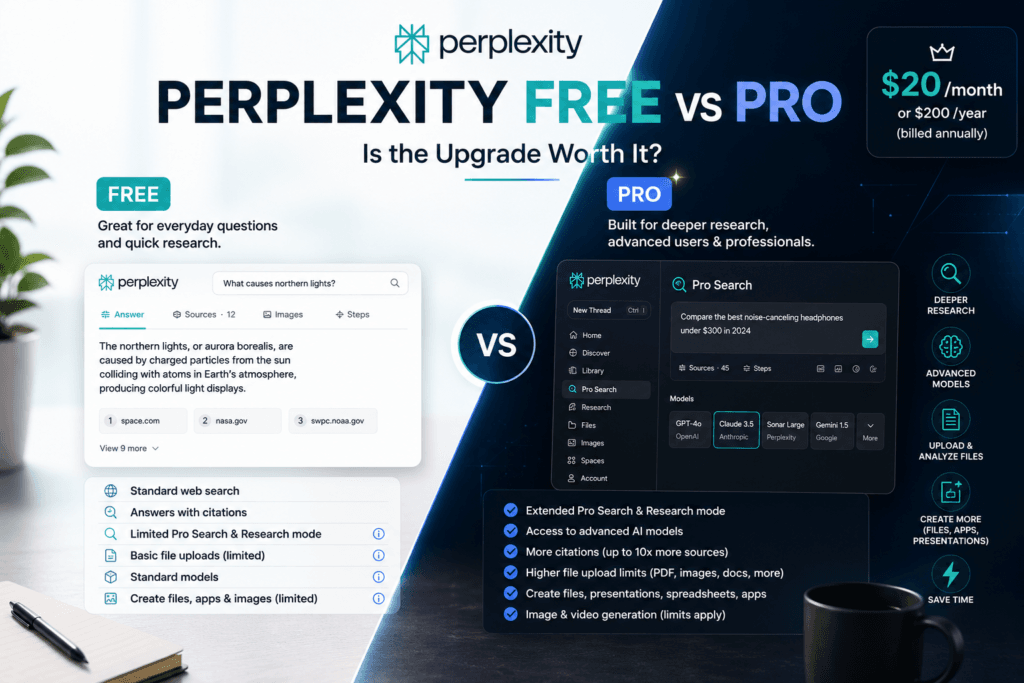
Even the free product is designed around web answers with citations, while Pro expands research depth, file uploads and source access. Perplexity’s current pricing page says the free tier includes answers with citations, while Pro costs $20 per month and includes Deep Research, higher limits, broader model access and premium data sources.
Its current Deep Research system goes considerably further than a normal search.
Perplexity says it can break a question into subtasks, perform large numbers of retrieval steps across many sources, combine web results with files and apps, and produce fully cited outputs. Its newer Computer Deep Research can also generate finished reports, presentations, spreadsheets and dashboards.
Where Perplexity is strongest
Perplexity is especially useful when your research starts with:
“What information is available on the web about this?”
Its interface puts sources very close to the answer.
That makes it particularly good for:
- Finding recent coverage
- Discovering sources quickly
- Comparing reporting
- Current events
- Product research
- Market research
- Finding primary sources before doing deeper analysis
Perplexity Pro also says it provides substantially more citations per answer than its free tier.
Perplexity’s main limitation
Perplexity’s search-first design is an advantage when finding information, but that does not automatically mean every cited source is equally strong.
A long source list is not the same thing as a high-quality source list.
Users still need to check:
- Is this the primary source?
- Is the source recent?
- Does the citation actually support the sentence?
- Is the article simply repeating another report?
- Are there contradictory sources?
That applies to ChatGPT and Claude as well.
Which one gives the best citations?
All three now provide source-backed web research.
The difference is more about how citations fit into the workflow.
Perplexity makes citations a central part of nearly every search answer.
Claude’s web search and Research mode provide direct citations and source links.
ChatGPT Deep Research produces structured reports with citations and also lets users control which websites should be used or prioritized.
For fast source discovery, I would lean toward Perplexity.
For research where controlling the source set matters, ChatGPT has a particularly useful advantage.
For reading, interpreting and turning sources into a careful long-form analysis, Claude can be very attractive.
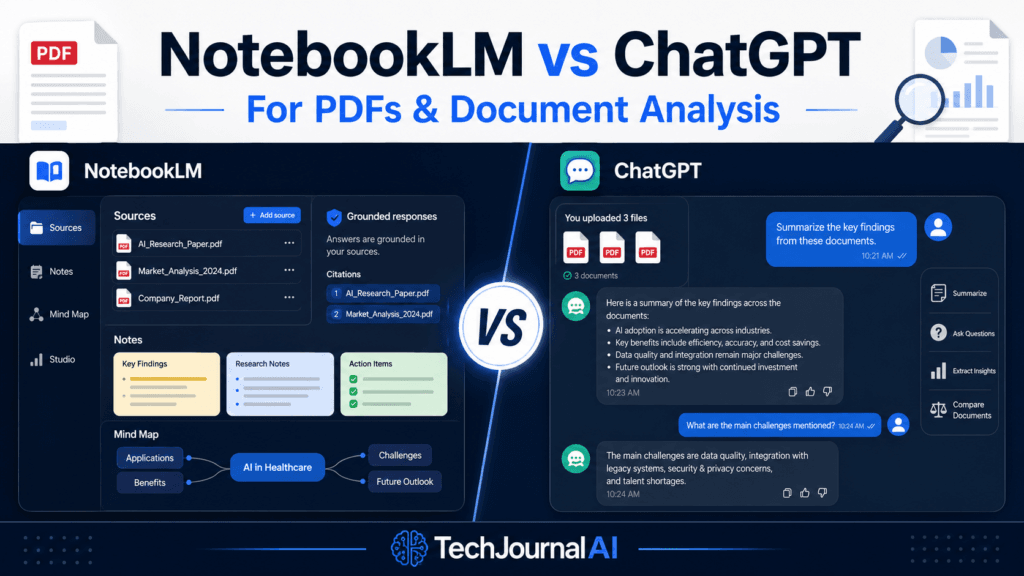
Which one is best for PDFs?
This is where the comparison becomes more interesting.
All three can work with uploaded files, but they approach the task differently.
ChatGPT Deep Research can combine uploaded documents with live web research and connected apps.
Claude can combine Research with its broader document-analysis workflow.
Perplexity’s current Deep Research can also cross-reference uploaded files with live web information.
For one long PDF where your main goal is understanding the document itself, Claude is a strong candidate.
For a document that needs to be checked against external information, ChatGPT and Perplexity become especially useful.
A good example would be:
“Read this company’s annual report, then verify the management claims against its last four earnings releases and current market reporting.”
That is a genuine research task rather than simple PDF summarization.
Which is best for current information?
Perplexity remains extremely strong here because current web search is the core of the product.
ChatGPT Search also explicitly retrieves current web information rather than relying only on model knowledge.
Claude’s web search does the same and provides citations for retrieved information.
So by 2026, the difference is no longer:
“Perplexity has internet access, ChatGPT and Claude don’t.”
All three can research the current web.
The real difference is how they search, synthesize and present what they find.
What about price?
For individual users, the main paid tiers are currently remarkably similar.
ChatGPT Plus costs $20 per month. It includes broader model/tool access, file analysis and Deep Research access where available.
Claude Pro costs $20 per month when billed monthly, or $200 annually.
Perplexity Pro costs $20 per month.
That makes the decision less about the basic subscription price and more about what else you use the tool for.
If research is only one part of your work, ChatGPT or Claude may offer more general-purpose value.
If web research is the main reason you are paying, Perplexity becomes more compelling.
Which one should you use?
For fast source discovery and current information, start with Perplexity.
For complex research where you want control over sources, uploaded files and a structured research plan, use ChatGPT Deep Research.
For research that involves reading a lot of material and turning it into detailed analysis or writing, Claude is particularly useful.
There is also a fourth option:
Use more than one.
For important research, you can use Perplexity to discover sources, then give the primary documents to ChatGPT or Claude for deeper analysis.
That is often safer than trusting one system’s research pipeline from beginning to end.
A better way to compare them
The strongest version of this article would include a real TechJournalAI test.
Use exactly the same prompt:
Find the latest official information about iOS 27 Intune enrollment failures on personal iPhones. Prioritize Apple and Microsoft sources. Separate confirmed facts from user reports and cite every important claim.
Then test ChatGPT, Claude and Perplexity on the same day.
For each one, record:
- How long the research takes
- Number of primary sources
- Number of secondary sources
- Whether the sources are current
- Whether each citation supports the claim
- Whether the tool finds the same important evidence
- Whether it invents or overstates a cause
- How easy the final answer is to verify
That would turn this from another AI comparison into an original TechJournalAI research test.
Bottom line
ChatGPT, Claude and Perplexity are all serious research tools in 2026, but they are optimized for slightly different jobs.
Perplexity remains the most search-first experience and is particularly good for quickly finding current sources.
ChatGPT Deep Research is stronger when you want a deliberate research plan, control over source selection, files and a structured final report.
Claude Research combines multi-step web searching with Claude’s broader analysis and long-form document workflow.
For casual research, any of the three may be enough.
For important work, the smartest approach is still to verify the underlying sources yourself — regardless of which AI found them.
Sources
OpenAI Deep Research documentation
OpenAI research guide
Claude Research documentation
Claude web-search documentation
Perplexity Deep Research
Perplexity pricing

Pingback: Gmail’s Hidden Subscription Manager: How to Unsubscribe Faster