Tutorials

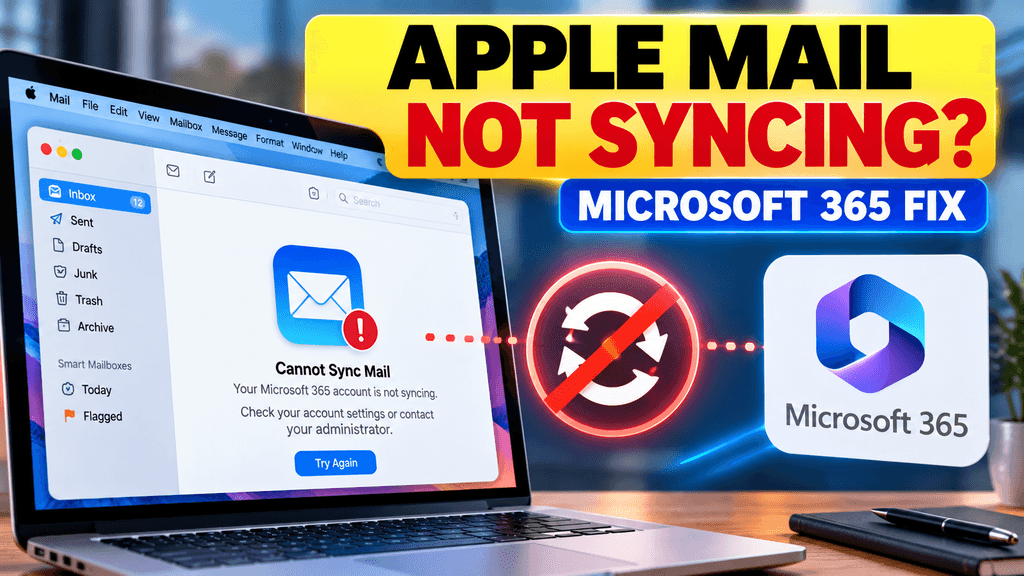
Apple Mail Microsoft 365 not syncing? Here’s What to Check

If Apple Mail suddenly stopped syncing a Microsoft 365 work account around October 2026, the problem may be Microsoft’s retirement of Exchange Web Services, or EWS, in Exchange Online. Microsoft began blocking EWS requests from October 1, 2026, and says the shutdown is being rolled out before EWS is fully disabled in April 2027. Microsoft […]

Apple Mail Microsoft 365 not syncing? Here’s What to Check Read More »
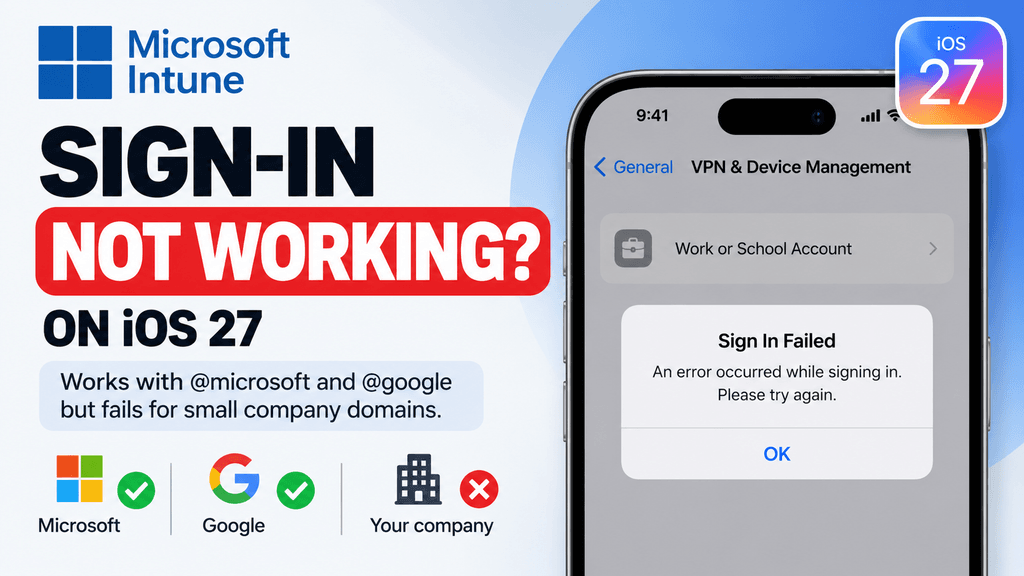
Intune Sign-In Fails on iOS 27: Tested Workaround for Personal iPhones

On several personal or unmanaged iPhones running iOS 27, we found that Intune enrollment failed immediately when signing in under Settings → General → VPN & Device Management → Work or School Account. The same enrollment flow worked successfully on older version, and a temporary workaround was to complete enrollment on the older iOS version […]

Intune Sign-In Fails on iOS 27: Tested Workaround for Personal iPhones Read More »

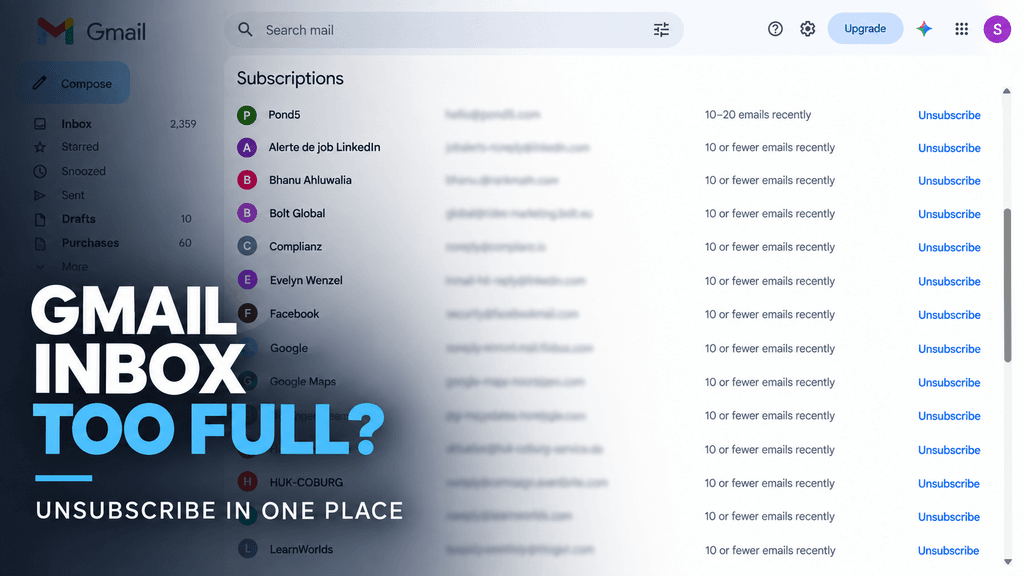
How to Use Gmail’s Manage Subscriptions Feature

Gmail’s “Manage subscriptions” feature puts your active mailing-list subscriptions in one place and sorts them by frequent senders. From there, you can open all emails from a sender or unsubscribe without searching through your inbox manually. In the screenshot above, Gmail is already showing senders such as LinkedIn, Facebook, Google, Hostinger and others, along with […]

How to Use Gmail’s Manage Subscriptions Feature Read More »

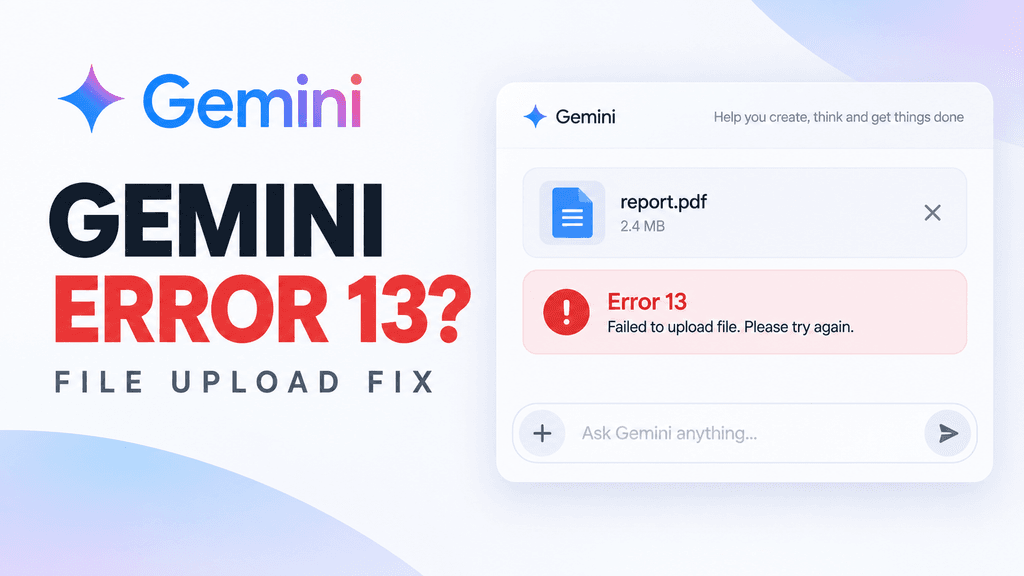
Gemini “Something Went Wrong (13)” Error: 7 Ways to Fix It

If Gemini shows “Something went wrong (13),” there is no single officially documented cause. Recent Gemini Community reports show the error appearing during file uploads, in specific long-running conversations, and sometimes even with normal text prompts. The fastest way to diagnose it is to test a new chat without an attachment, then work through browser, […]

Gemini “Something Went Wrong (13)” Error: 7 Ways to Fix It Read More »

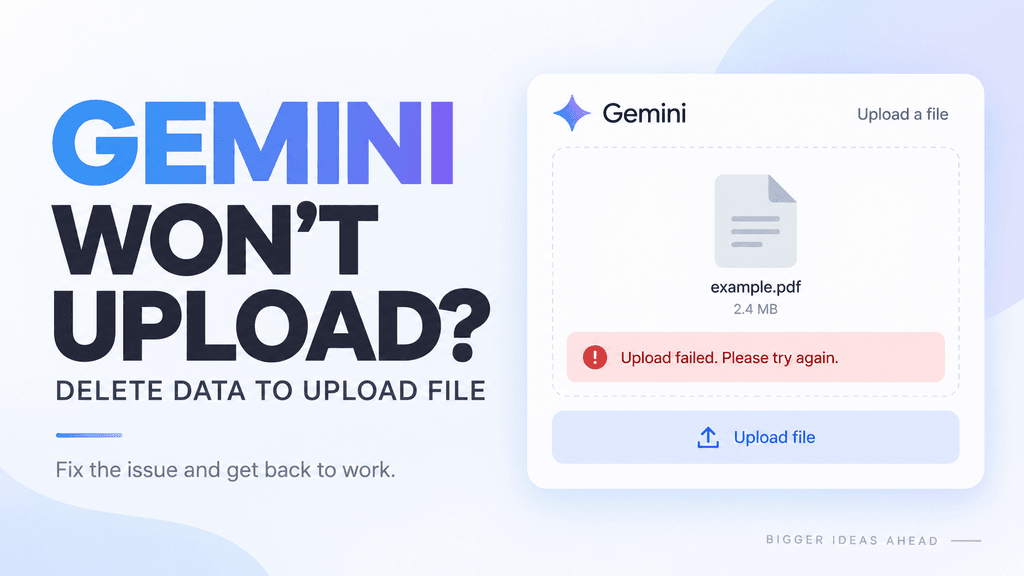
Gemini “Delete Data to Upload File” Error: 7 Ways to Fix It

If Gemini shows “Delete data to upload file,” you have most likely reached Gemini Apps’ own storage limit, which is separate from your Google Drive or Google Workspace storage. Google says chats and uploaded files stored in Gemini Apps count toward this limit, and file uploads remain blocked until enough Gemini storage is cleared. That […]

Gemini “Delete Data to Upload File” Error: 7 Ways to Fix It Read More »

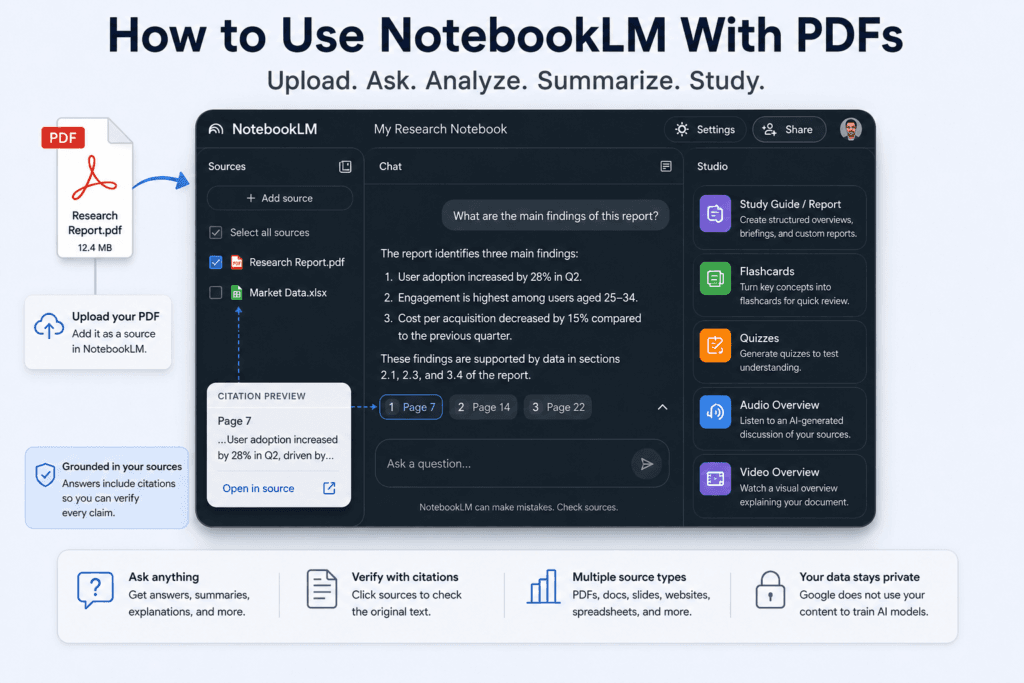
How to Use NotebookLM With PDFs: A Practical Guide

NotebookLM can turn a PDF into a searchable source that you can question, summarize, compare, and convert into study materials. The basic process is straightforward: create a notebook, upload the PDF, wait for processing, and ask questions in the chat panel. The important part is learning how to ask focused questions and verify NotebookLM’s answers […]

How to Use NotebookLM With PDFs: A Practical Guide Read More »