Tutorials

Gemini “Something Went Wrong (13)” Error: 7 Ways to Fix It

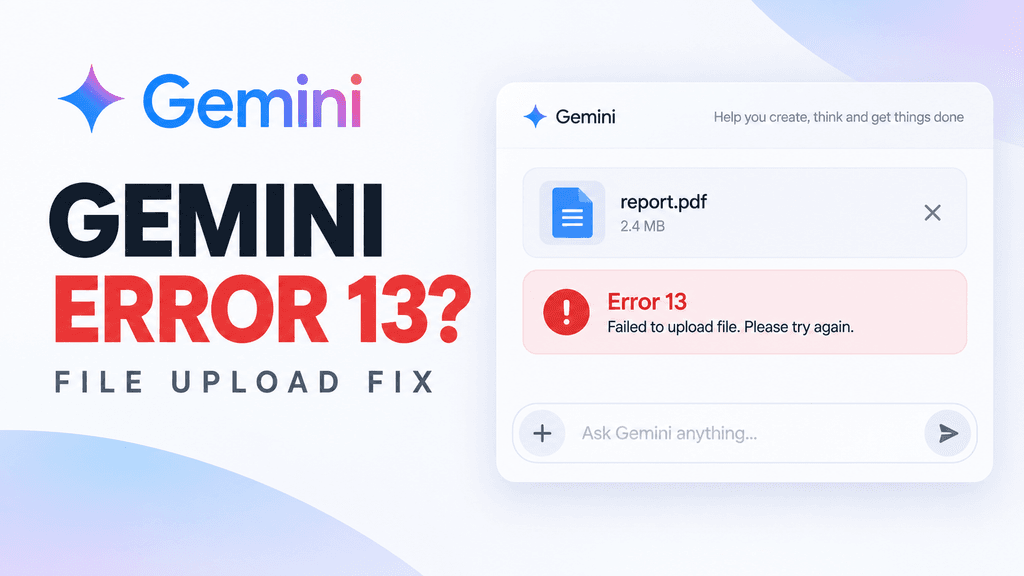
If Gemini shows “Something went wrong (13),” there is no single officially documented cause. Recent Gemini Community reports show the error appearing during file uploads, in specific long-running conversations, and sometimes even with normal text prompts. The fastest way to diagnose it is to test a new chat without an attachment, then work through browser, […]

Gemini “Something Went Wrong (13)” Error: 7 Ways to Fix It Read More »
Gemini “Delete Data to Upload File” Error: 7 Ways to Fix It

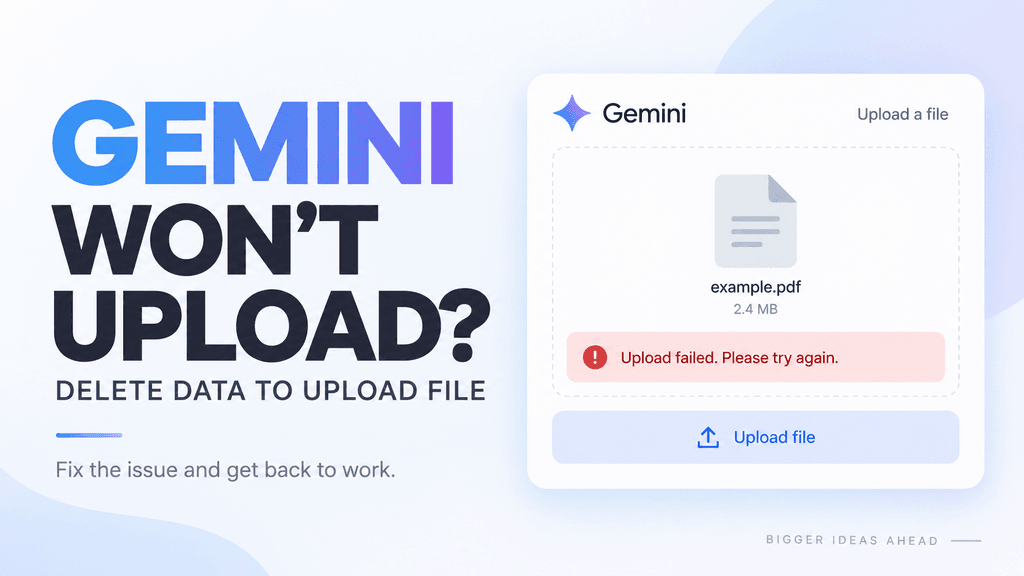
If Gemini shows “Delete data to upload file,” you have most likely reached Gemini Apps’ own storage limit, which is separate from your Google Drive or Google Workspace storage. Google says chats and uploaded files stored in Gemini Apps count toward this limit, and file uploads remain blocked until enough Gemini storage is cleared. That […]

Gemini “Delete Data to Upload File” Error: 7 Ways to Fix It Read More »
How to Use NotebookLM With PDFs: A Practical Guide

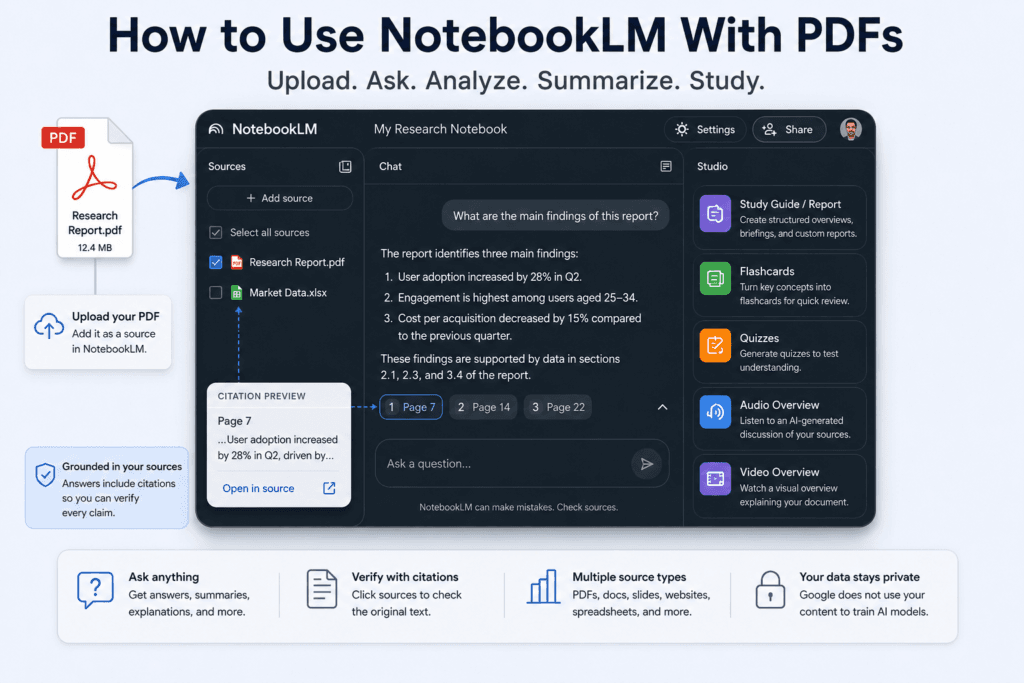
NotebookLM can turn a PDF into a searchable source that you can question, summarize, compare, and convert into study materials. The basic process is straightforward: create a notebook, upload the PDF, wait for processing, and ask questions in the chat panel. The important part is learning how to ask focused questions and verify NotebookLM’s answers […]

How to Use NotebookLM With PDFs: A Practical Guide Read More »